
Most of what software does happens the instant someone asks for it: click a button, get a result. But a surprising amount of real work is not like that. A reminder should go out three days after a record is created, not now. A digest should be sent every morning. A reconciliation routine should run quietly every hour. A campaign should nudge people on a cadence and then stop on its own. This is work with a time dimension — and it needs somewhere to live that is not "a user happens to be looking at the screen right now."
The platform's scheduler is that place, and it has grown into a fluent way to plan work for later. You can defer almost anything — once, or on a repeat — and, importantly, plan it either by hand or straight from your own automations and code.
Three kinds of scheduled work
A scheduled task can now run any of three things, and they all share the same timing, recurrence, and logging behaviour — only the work differs:
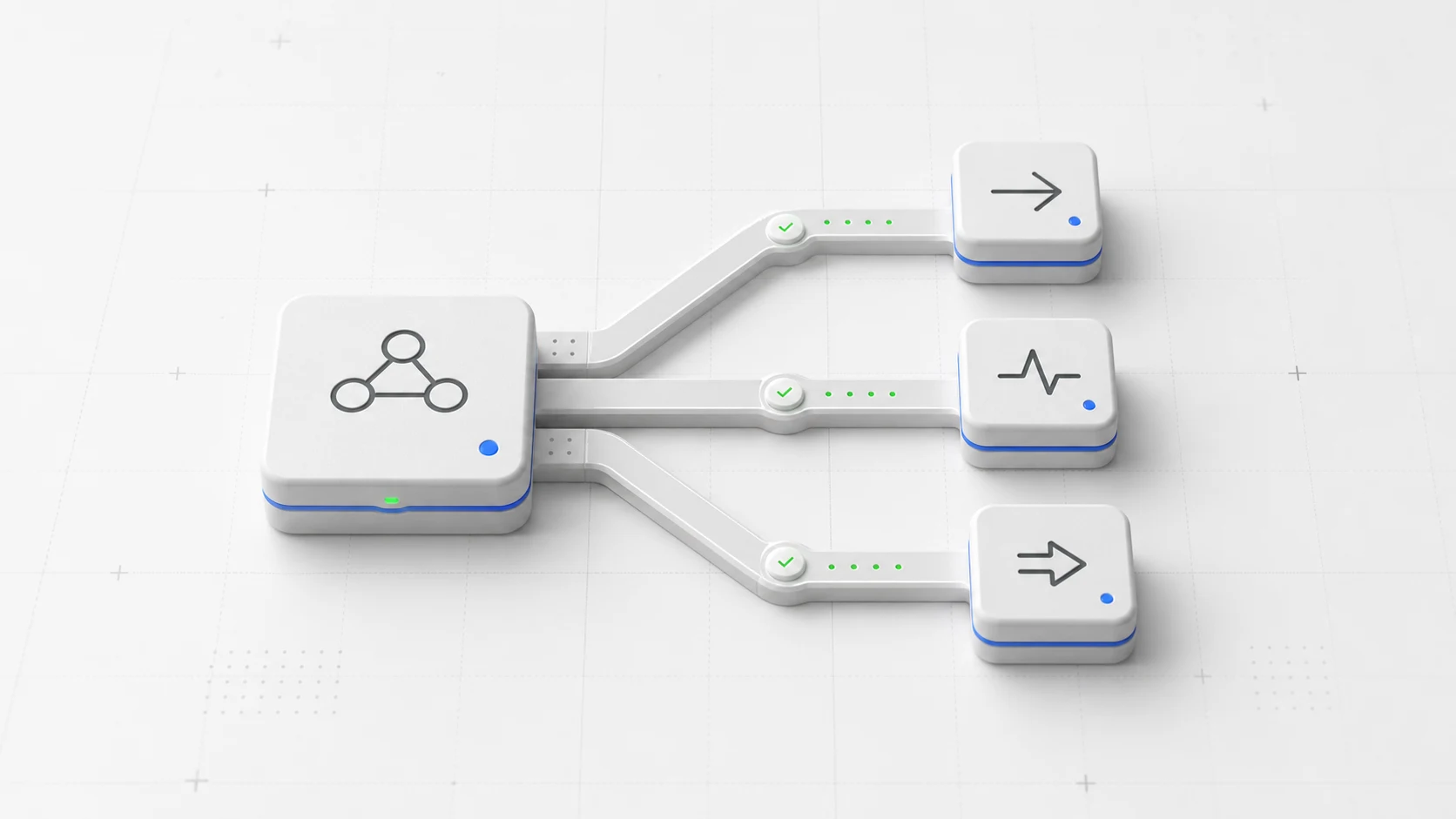
An automation — the builder-friendly path, where the logic already lives in an automation you designed and the scheduler simply decides when it runs. A custom-app route — a named handler shipped inside one of your custom apps, ideal for jobs whose logic belongs with the app rather than in a separate automation. Or a small snippet of code — for one-off deferred glue that is not worth deploying as its own named route. Whichever you pick, the scheduler treats it the same way: it holds the timing and a reference to the work, and runs it when the moment arrives.
Once, or on a repeat
The simplest task is a one-off: do this thing at this future time. From there, recurrence is a small step — repeat every day, every hour, every week — and the platform is careful to calculate each next run from the planned time rather than the moment the runner happened to fire, so a daily 9:00 job stays at 9:00 and never drifts. You can also give a recurring task an end boundary, so a fixed-length campaign or a temporary maintenance loop expires by itself instead of relying on someone to remember to switch it off.
Plan it from the screen — or from your code
Two audiences, one scheduler. An operator can create a task directly from the scheduler screen: choose the kind of work, point it at the target, add any arguments as JSON, set the time and recurrence, and decide whether to keep a log. That is perfect for ad-hoc scheduling, testing, and operator-managed recurring jobs.
Just as importantly, the very same scheduler is reachable from your automations and code. A running process can schedule follow-up work programmatically — handing it an explicit argument payload so the deferred run remembers the exact context it needs. This is what makes automations genuinely planable: an automation can react now and also arrange for something to happen later — a reminder tied to a specific record, a timeout with escalation details, a digest for a particular audience — without any of it depending on a person being present when the time comes.
Runs with the right identity, and a log when you want one
Deferred work still has to respect who is allowed to do what. Scheduled app routes and code run as the user who scheduled them, with access control fully active — so a task can reach exactly the data its scheduler was entitled to, and no more. Each task can optionally record every run in a log, which you will want on for business-critical jobs and off for high-frequency noise. And a queued run is not set in stone: you can skip a single upcoming occurrence without dismantling the recurring schedule, or cancel a task outright.
Why it matters
Time-based work used to mean reaching outside the platform — an external cron server, a separate scheduler, another moving part to run and secure. Now it is built in, and it covers the full range: a one-line delay, a recurring job, or a whole finite campaign, targeting an automation, a custom-app route, or a snippet, planned by an operator or by another process. It turns "this should happen later" from an integration problem into a single field on a task.
It fits naturally with the rest of the platform: the automations you have already built become things you can plan rather than only trigger, custom-app routes gain a timer, and long-running processes can arrange their own follow-ups. Work stops being tied to the instant a user shows up — and starts happening exactly when it should.